Audio & Dictation
MacWhisper
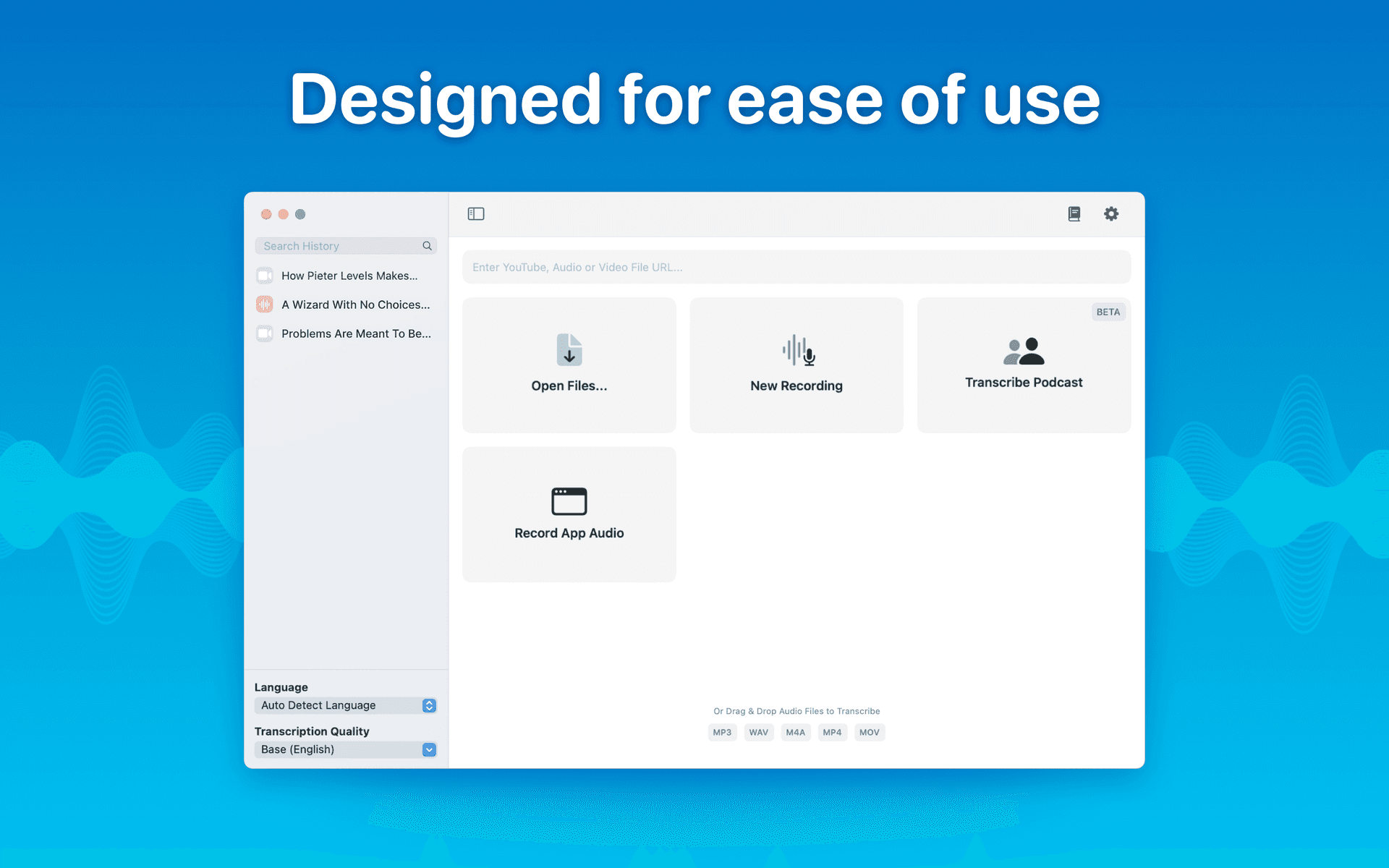
MacWhisper lets you transcribe audio into text quickly using OpenAI's Whisper. It's perfect for meetings, lectures, and other recordings.
If you prefer a 100% free and open-source system-wide dictation workflow, be sure to check out FluidVoice in our directory. It runs entirely on-device and costs nothing.
- Easy audio transcription on Mac
- System-wide dictation using Whisper
- Drag and drop audio for fast transcription
- Supports sensitive audio with on-device transcription (no data leaves your Mac)
- Export transcripts in multiple formats (srt, vtt, docx, pdf, etc.)
- Supports 100 languages, speaker tagging, and inline video playback
- And More
Frequently Asked Questions
Is MacWhisper free?
MacWhisper has a free version that covers basic transcription. The Pro version unlocks batch transcription, speaker recognition, AI integrations, and more. It is a one-time purchase, not a subscription.
Does MacWhisper work offline?
Yes. MacWhisper uses on-device transcription powered by OpenAI's Whisper model, which means your audio never leaves your Mac. This makes it a strong choice for sensitive recordings like meetings or private interviews.
How accurate is MacWhisper?
Accuracy depends on audio quality and the Whisper model size you choose. Larger models are more accurate but take longer to process. For clear recordings with minimal background noise, MacWhisper performs very well across most languages.
What audio formats does MacWhisper support?
MacWhisper supports most common audio and video formats. You can drag and drop files directly into the app. It also supports live recording directly from your microphone.
Is MacWhisper available on the Mac App Store?
No. MacWhisper is distributed through Gumroad, not the Mac App Store. You can download it directly from the developer's Gumroad page.