Note-Taking
SideNotes
You can also get SideNotes on Setapp, together with 250+ other Mac apps in one subscription.
Get SideNotes on Setapp →Affiliate link: we may earn a commission if you subscribe, at no extra cost to you.
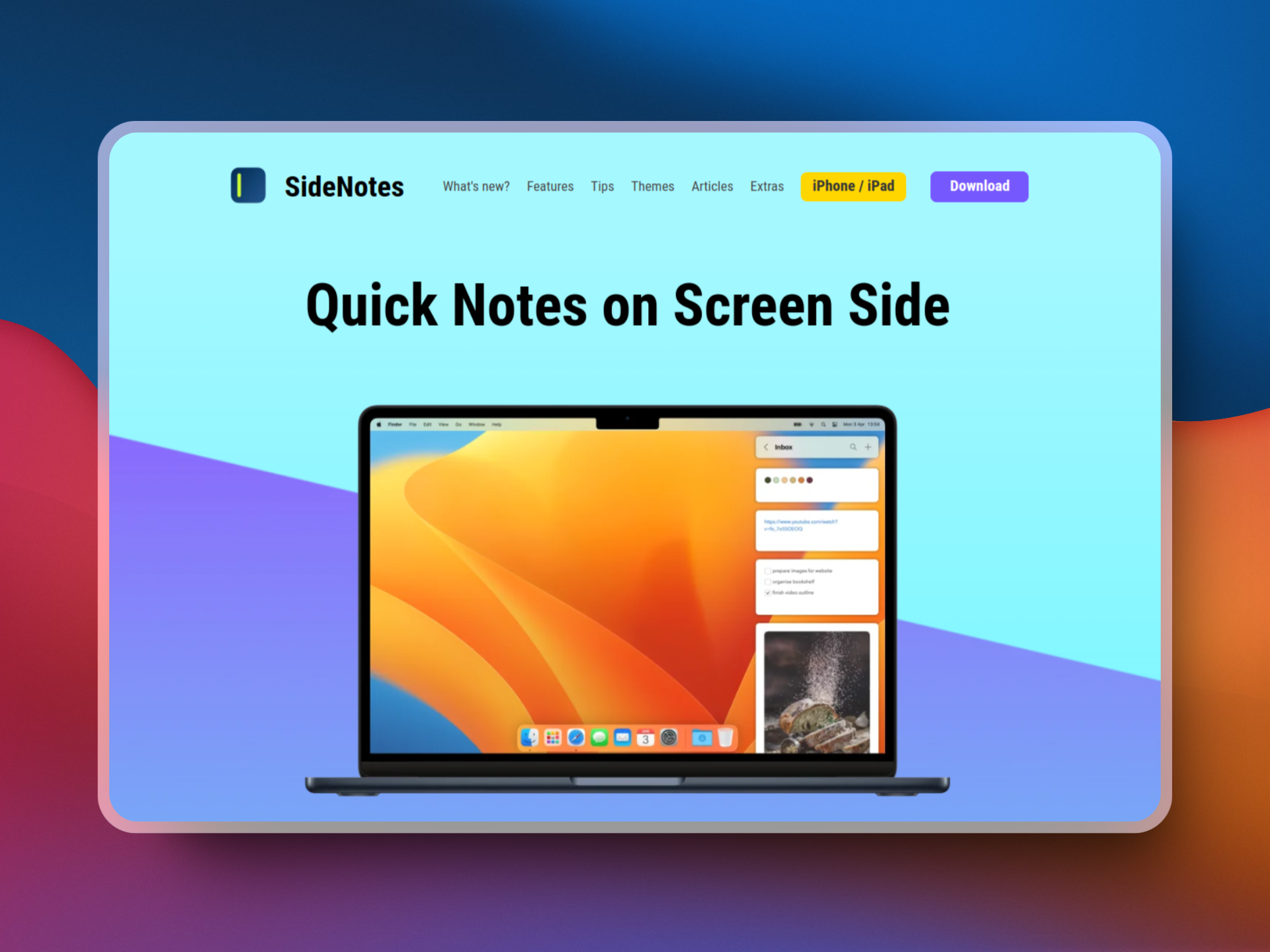
SideNotes is a Mac notes app that lives on the edge of your screen. It combines the simplicity of sticky notes with the organization of advanced note-taking apps, so you can capture notes, tasks, links, and snippets without leaving the app you are in. Open it in a second, write what matters, and hide it again. It is a one-time purchase with a free trial, and there is no subscription.
Key Features
- Opens Three Ways: Click the Open Bar on the side of your screen, press the ⌃⌥⌘ shortcut, or click the menu bar icon. You can move it to the left or right side of your screen.
- Many Ways to Add Notes: Click the plus button, drag and drop, paste clipboard content, or use a global shortcut. Notes support Markdown, pictures, tasks, file and folder shortcuts, and #rrggbb colors.
- Folders, Colors, and Pins: Organize notes in folders, color them, and pin your most important notes and folders to the top. Reorder with drag and drop.
- Fold Long Notes: Collapse long notes to save space and expand them only when you need the full text.
- Themes and Dark Mode: Install a theme or make your own, switch between dark and light mode, and pick your own font and text size.
- Automation: Use Shortcuts actions and AppleScript to create and change notes and folders, or download the Alfred workflow to take and search notes faster. Note and folder URLs let you link to a note from other apps.
- iCloud Sync: Your notes sync across your Mac, iPhone, and iPad through iCloud. SideNotes Mobile is a separate app for iPhone and iPad.
- Sharing and Backups: Share notes with the share extension, export any note as an image, import text files by drag and drop, and let SideNotes back up your notes automatically.
Frequently Asked Questions (FAQ)
Is SideNotes free?
No. SideNotes is a paid app, but there is a free trial. The price is $19.99 as a one-time payment, with free updates within the current major version. Future major versions are paid upgrades.
What macOS version does SideNotes need?
SideNotes needs macOS 13 or newer, and it runs on Apple Silicon and Intel Macs.
Where can I get SideNotes?
You can buy it from the Apptorium website, the Mac App Store, or get it through Setapp. A direct license covers one user on up to 5 Macs and comes with a 14-day money-back guarantee.
Does SideNotes work on iPhone and iPad?
Yes, through SideNotes Mobile, which is sold separately. Your notes sync between your Mac, iPhone, and iPad with iCloud.
Does SideNotes collect my data?
No. SideNotes does not collect personal data, usage statistics, analytics, or telemetry. Your notes stay on your Mac, with optional iCloud sync.
Can I automate SideNotes?
Yes. SideNotes supports Apple Shortcuts actions, an AppleScript API, and an Alfred workflow, so you can create, search, and edit notes from other apps and scripts.
Is there a free alternative to SideNotes?
Yes. Joplin is a free, open-source note-taking app with Markdown support, and ProNotes adds extra features to Apple Notes for free.