Article
The Best Distraction-Blocking Apps for Mac
If you’ve ever sat down to work on your Mac and ended up scrolling social media instead, you’re not alone. Distractions are everywhere - from endless notifications to websites that steal your attention one click at a time. The good news is that you can take control of your focus again.
In this post, we’ll explore some of the best distraction-blocking apps for Mac that actually help you get things done. Whether you’re studying, writing, coding, or just trying to stay productive, these tools can make a real difference.
Why You Need a Distraction Blocker
Modern life makes it hard to focus. We’re surrounded by messages, notifications, and endless tabs open in our browsers. Even with the best intentions, it’s easy to lose track of time and end up doing something other than what you planned.
Distraction blockers help by creating a controlled environment for deep work. They can:
- Block certain websites or apps
- Schedule focus sessions
- Track your time and productivity
- Encourage breaks and healthier habits
Think of them as digital fences that keep your attention where it belongs.
1. Focus – The Complete Mac Distraction Blocker
Focus is one of the most polished distraction-blocking apps made just for macOS. It blocks websites and applications, but what makes it powerful is its flexibility.
You can schedule focus sessions throughout the day or activate them manually. Once Focus mode is on, apps like Twitter, YouTube, or Slack are instantly blocked. You can even create custom schedules for workdays or weekends.
One feature that stands out is “motivational quotes.” When you try to open a blocked site, Focus shows an inspiring message like “Do what matters most.” It’s a nice touch that reminds you why you started working in the first place.
Key features:
- Block websites and apps
- Create custom focus schedules
- Use scripts to control apps or settings automatically
- View detailed productivity stats
Best for: Professionals and students who want a complete, all-in-one focus tool.
2. SelfControl – Simple and Unbreakable
If you want something no-nonsense and completely free, SelfControl is perfect. It’s a classic Mac app that blocks distracting websites for a set period of time - and once the timer starts, there’s no turning back.
Even if you restart your Mac or delete the app, the block stays active until time runs out. It’s ruthless but effective.
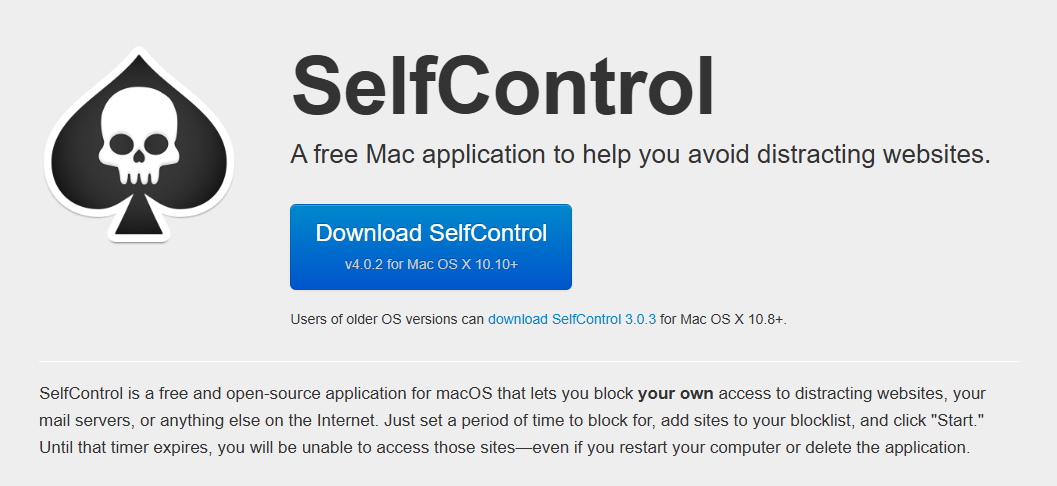
You can add any website to your blocklist, choose a duration, and hit “Start.” That’s it. No complicated settings or subscriptions.
Key features:
- Free and open source
- Strict timer that can’t be bypassed
- Lightweight and simple
Best for: People who want a strict and free way to stop visiting distracting sites.
3. Freedom – Sync Across All Your Devices
Freedom is one of the most popular distraction blockers, and for good reason. It works on Mac, iPhone, iPad, and even Windows or Android. If you tend to pick up your phone when your Mac is blocked, Freedom solves that problem.
With Freedom, you can create focus sessions that block websites, apps, or even the entire internet. The app also has a “Locked Mode” that prevents you from ending a session early - a nice feature for those moments when willpower fades.
It’s especially great for people who work across multiple devices or platforms.
Key features:
- Works on all devices
- Block websites, apps, or the internet
- Create recurring focus schedules
- Sync sessions automatically
Best for: Multitaskers who want to block distractions on all devices, not just on Mac.
4. Cold Turkey Blocker – The Hard Stop Solution
Cold Turkey Blocker is another powerful option if you need strong digital discipline. It lets you block apps, websites, or even your entire computer for a set time. Once started, you can’t disable it until the timer runs out.
It’s built for serious focus sessions, and it’s surprisingly flexible. You can create multiple blocklists, schedule them, and even block specific parts of websites.
Cold Turkey also includes a “Frozen Turkey” mode that locks you out of your computer completely. It’s extreme, but sometimes extreme measures are what we need.
Key features:
- Blocks apps, websites, or full access
- Custom schedules and blocklists
- Optional “Frozen Turkey” full lockdown mode
- Stats and tracking tools
Best for: People who want the toughest, no-excuse focus tool.
5. LeechBlock NG (for Browser Control)
If your main distractions happen in your browser, LeechBlock NG is an excellent option. It’s a free browser extension (for Safari, Firefox, or Chrome) that lets you block sites on a schedule or after a set time limit.
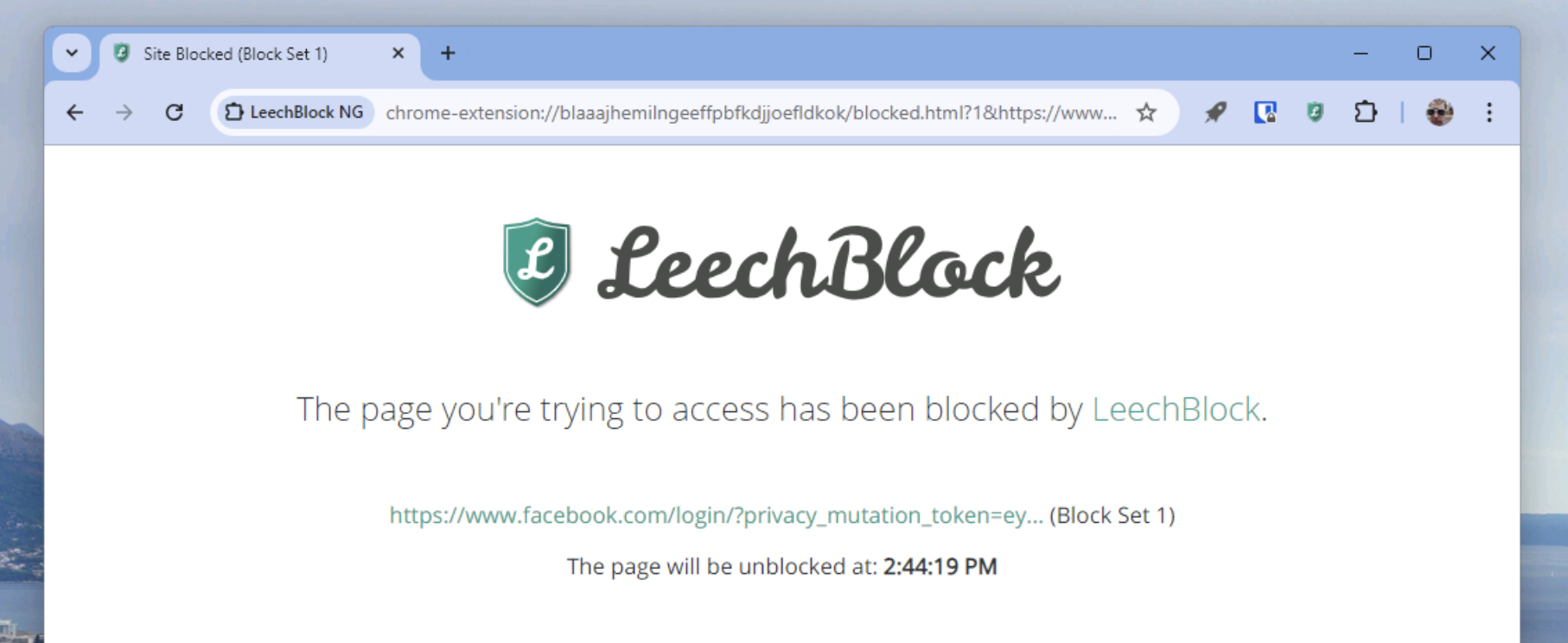
You can set rules like:
- “Block YouTube after 20 minutes.”
- “Only allow Twitter between 6–7 p.m.”
It’s flexible and lightweight - perfect if you don’t need a full system-wide blocker.
Key features:
- Free browser extension
- Custom schedules and time limits
- Password protection options
Best for: Users who mostly need to block distracting websites, not apps.
6. HazeOver – Dim the Distractions
HazeOver takes a different approach. Instead of blocking apps or sites, it helps you focus by dimming everything on your screen except the active window.
If you’re writing in a text editor or working in a single app, everything else fades into the background. It’s subtle but surprisingly effective for reducing visual clutter.
You can control how much dimming happens and even adjust it automatically when switching windows.
Key features:
- Dims background apps and windows
- Custom brightness levels
- Works automatically when you switch apps
Best for: Writers, designers, or anyone who gets distracted by a cluttered screen.
7. One Sec – Stop Impulse Openings
One Sec is a clever little app that helps stop those automatic moments when you open social media without thinking. It interrupts you with a short pause, usually a few seconds of deep breathing, before opening the app or website.
That pause is often enough to break the habit. One Sec works with Safari and most major browsers, and you can sync it with your iPhone for even better results.

Key features:
- Adds a pause before opening distracting sites
- Gentle mindfulness reminders
- Works on Mac and iOS
Best for: Anyone who wants to build awareness and reduce impulsive social media use.
Tips for Staying Focused Beyond Apps
Distraction blockers are powerful tools, but real focus comes from building habits. Here are a few extra tips to stay productive:
- Set clear goals. Start each session knowing what you want to achieve.
- Use time blocks. Work in short, focused bursts (like 25 or 50 minutes).
- Take breaks. Step away from your screen to rest your eyes and brain.
- Turn off notifications. Even small pings can pull your attention away.
- Keep your workspace clean. A tidy desk often leads to a clearer mind.
Finding the Right App for You
The best distraction blocker depends on how you work:
- Want a full-featured solution? Try Focus or Freedom.
- Need something strict and simple? Go with SelfControl or Cold Turkey.
- Prefer gentle guidance? Check out HazeOver, or One Sec.
- Just want to block websites? LeechBlock NG will do the job.
Each of these tools can make a big difference in your daily routine. Start small, block a few distracting sites, run one focus session, and see how it feels.
You might be surprised how much time you get back once your distractions are gone.
Final Thoughts
Staying focused in a world full of digital noise isn’t easy, but with the right tools, it’s completely possible. These distraction-blocking apps for Mac aren’t about punishment - they’re about giving yourself space to think, create, and do what really matters.
So pick one that fits your workflow, set up a session, and take back control of your attention. The quiet focus that follows might just become your new favorite part of the day.
Leave a Comment